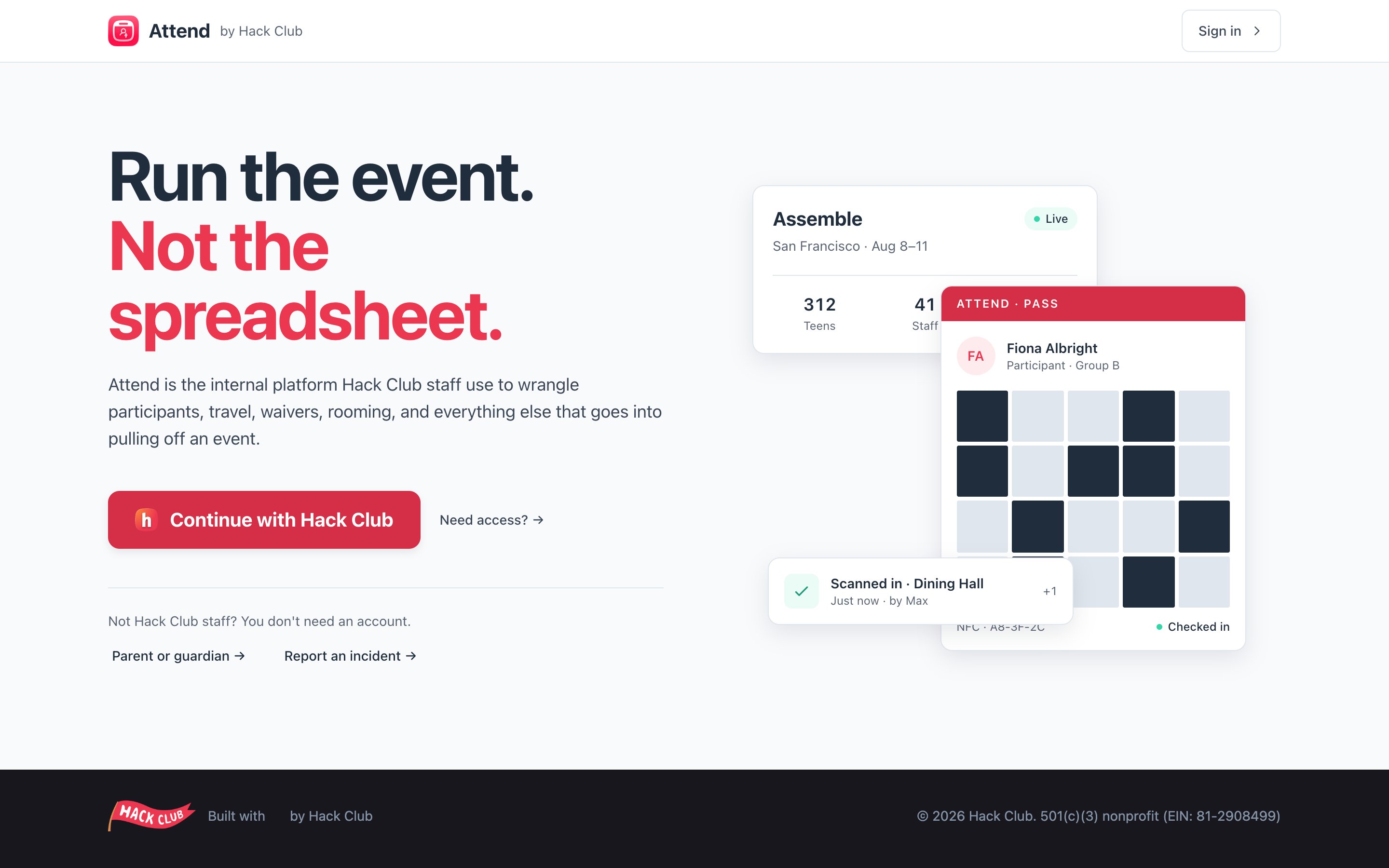
When you sign in, Attend pulls your name, date of birth, email, phone, and address from your Hack Club account and pre-fills them into your registration, so you don’t have to type everything twice.That also means the way to change those details is through Hack Club Auth, not Attend. Update them there, then sign out of Attend and back in to pull in the changes.
If you change your email on your Hack Club account, Attend will notice the next time you sign in and show you a banner confirming the old and new addresses. Your registrations stay attached to you.
“My invite link says it expired.” Invitations are valid for 30 days. Email attend@hackclub.com or the event organizers and ask them to send a fresh one.“I signed in but I don’t see my event.” You probably signed in with a different email than the one your invitation was sent to. Sign out and sign back in with the invited email — or open the invite link from the email again while signed in.“Can my parent sign in?” No — parents and guardians never need an account. They get their own secure link by email. See Your parent or guardian’s part.
Was this page helpful?
Assistant
Responses are generated using AI and may contain mistakes.