The steps
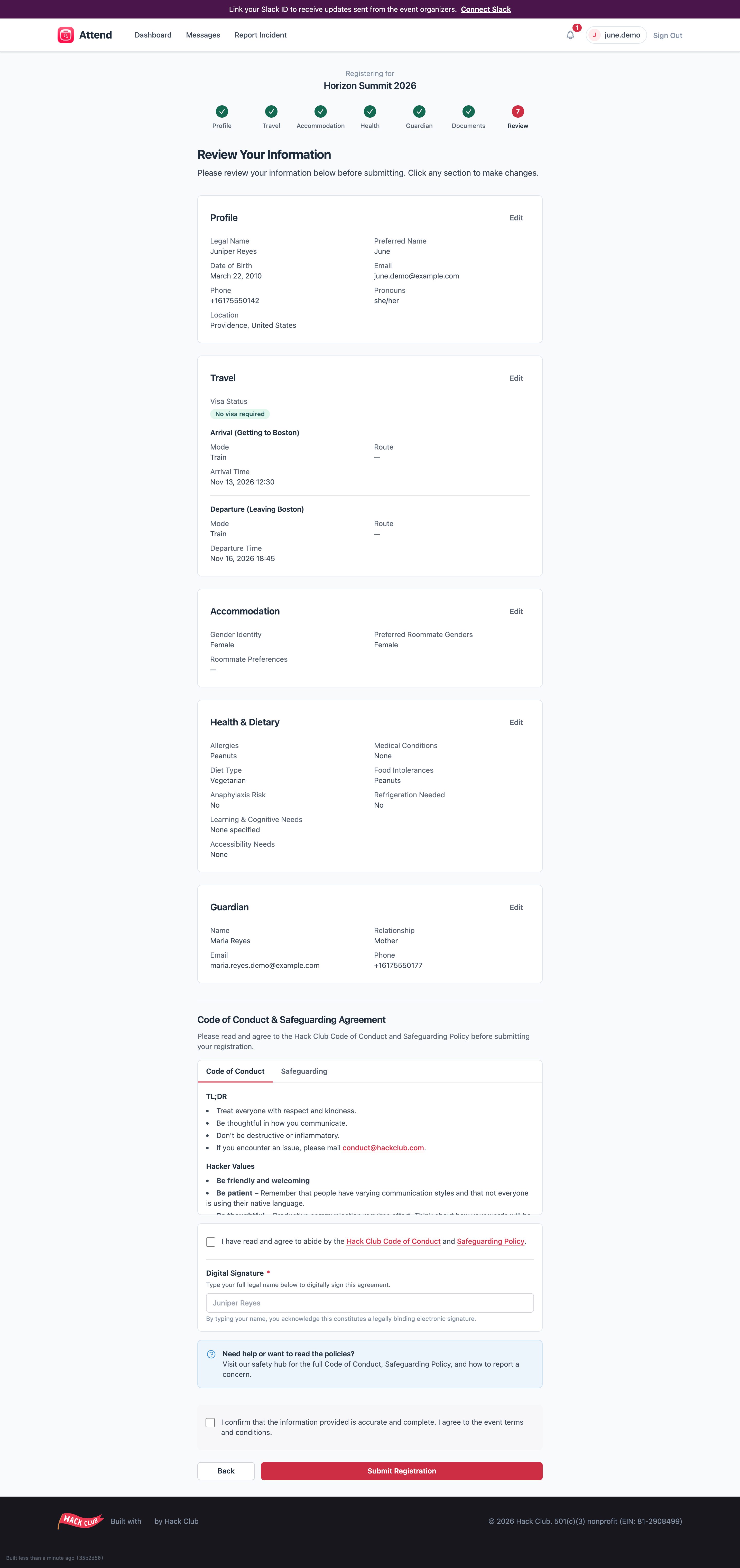
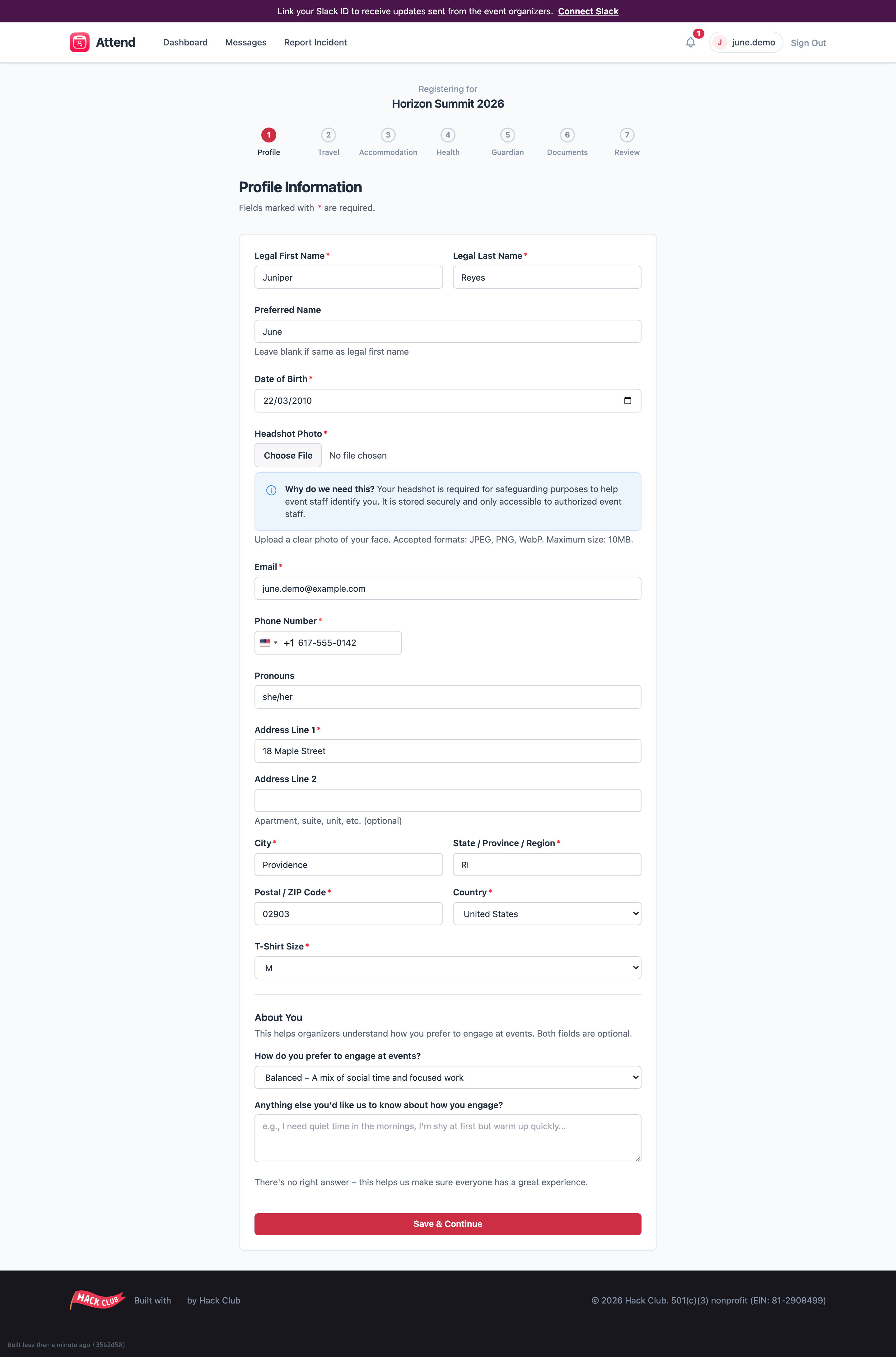
The steps you’ll see depend on your event and your age, in this order:- Profile — your legal name, preferred name, date of birth, a headshot photo (required — it helps event staff identify you and is only visible to authorized staff), email, phone, address, and t-shirt size (also required — the form won’t let you continue without it).
- Travel — how you’re getting to and from the event. See Adding your travel details. (Only shown if your event involves travel.)
- Accommodation — gender identity and roommate preferences, used to plan rooming. (Only for overnight events.)
- Health — allergies, medications, dietary needs, and accessibility needs. Be honest and thorough here: this is how organizers keep you safe and fed. This information is encrypted and only visible to staff who need it.
- Guardian (if you’re under 18) — your parent or guardian’s name, email, phone, and relationship to you. Their phone number must be different from yours. or Emergency contacts (if you’re 18+) — at least one person we can call.
- Documents — sign the event waiver and any other required documents. See Signing your documents.
- Review — a summary of everything, plus the Code of Conduct. You must tick the acceptance box and type your name as a signature to submit.
Good to know
- Autosave: every field saves as you type — you’ll see a small “saved” indicator. Closing the tab won’t lose your work.
- You can’t skip ahead. Each step unlocks after you complete the one before it.
- After you submit, your answers lock so organizers can work with confirmed information. The one thing you can still change is your travel details, from your event page. If anything else needs correcting, email attend@hackclub.com.
What happens after you submit
- Under 18? Your status changes to Awaiting Parent and your parent/guardian automatically gets an email with their forms. You’ll also be asked to sign your half of the waiver.
- 18 or over? You sign your waiver and you’re done.