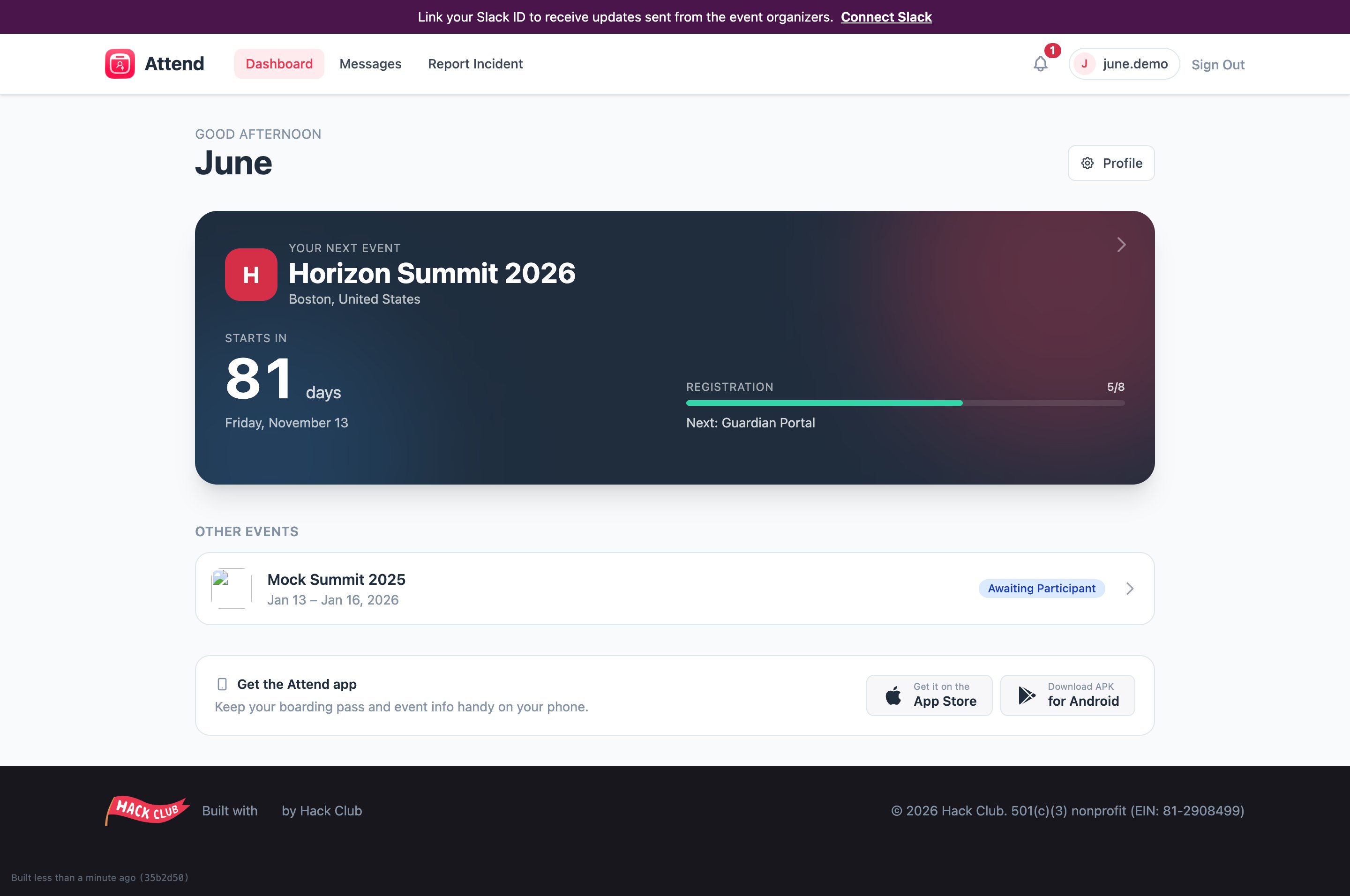
The status labels
Each event registration has one status:- Awaiting Participant — the ball is in your court: finish onboarding or sign your waiver. The dashboard will show a Continue registration button.
- Awaiting Parent — you’re done for now; your parent or guardian still needs to sign their forms. See Your parent or guardian’s part.
- Complete — everything is signed and submitted. You’re coming! 🎉
- Withdrawn — you’ve been withdrawn from the event. If you think this is a mistake, contact the organizers.
Your event page
Click into any event for the full picture: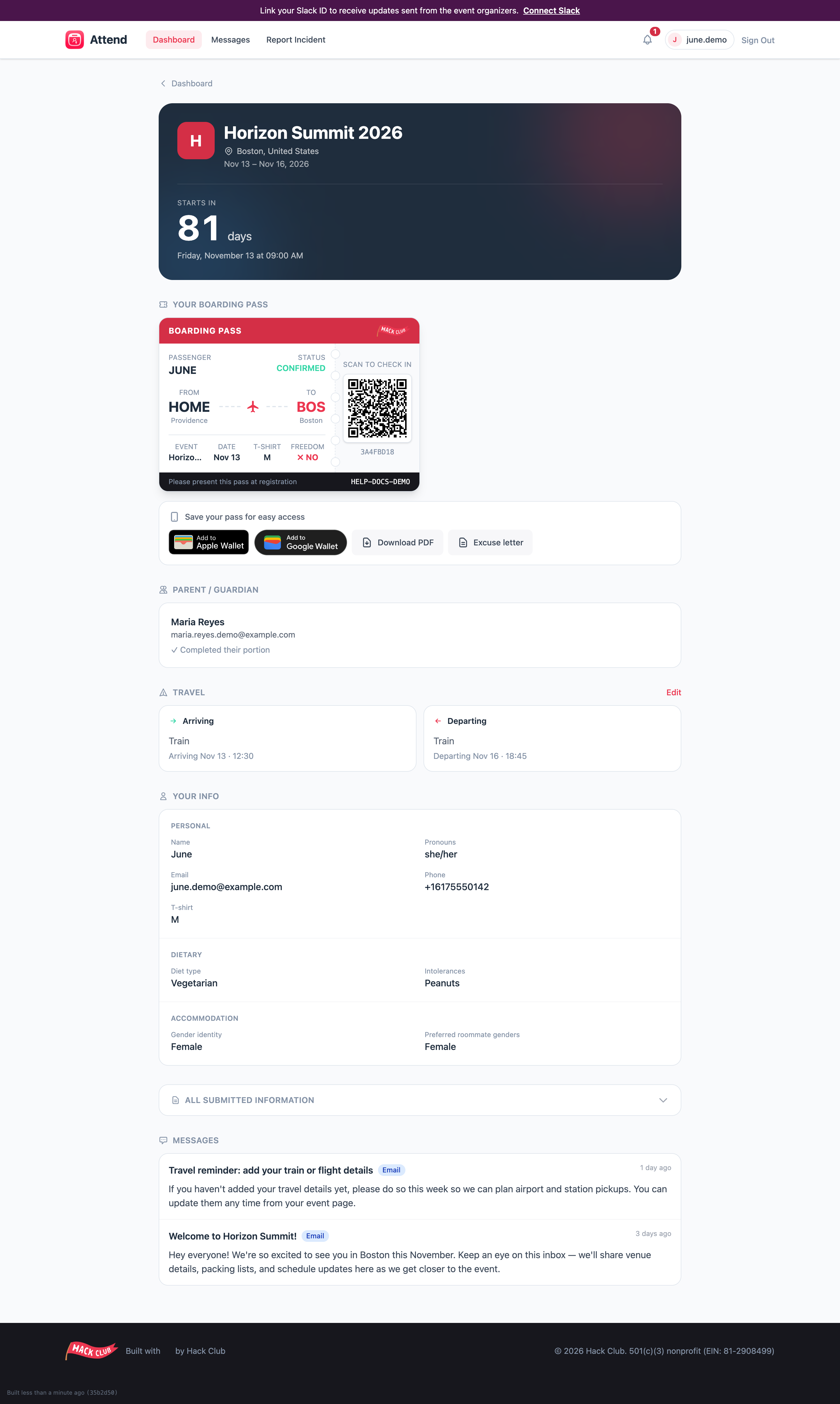
- see your ticket and QR code (and add it to your phone’s wallet) — see Your ticket & wallet passes,
- check whether your parent/guardian has finished their part,
- view and edit your travel details,
- review all the information you submitted,
- sign any new documents the organizers add,
- read recent messages from the organizers.
Something on your event page needs fixing but it’s locked? After submission most fields are read-only (travel is the exception). Email attend@hackclub.com and we’ll update it for you.